Different contexts and workflows for manipulating any type of in-game object or asset.
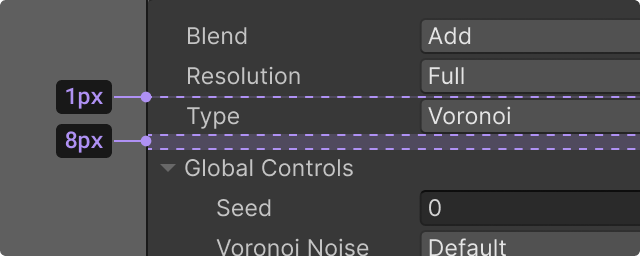
Recommended ways of grouping contents that contextually belong together without creating visual clutter.
A comprehensive solution for Scene View selection, tools, and actions.
Empty states are placeholder states when there is nothing to display in a window.
Errors and other types of alerts are used to communicate conditions, indicate an event, or show responses.
Inheritance describes when objects inherit or override values from child or parent objects.
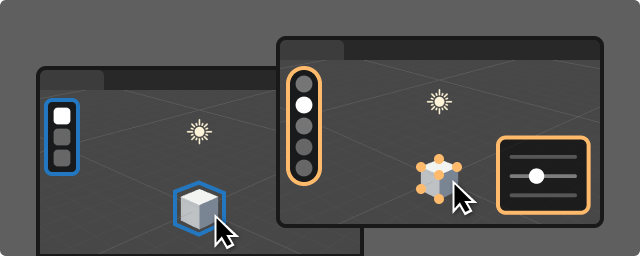
Overlays are persistent and customizable panels and toolbars that are available in the Editor scene view.
Project Settings and the Preferences allow user to configure their projects and customize their Editor experience.
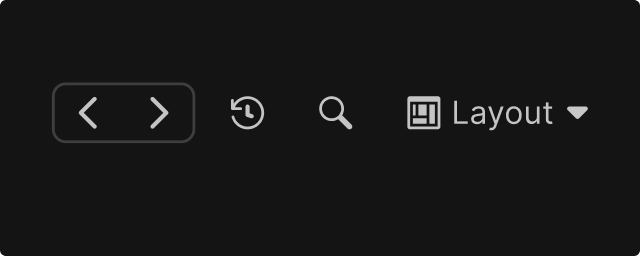
A navigation pattern for traversing previously selected items, enabling users to move backward and forward through their Selection History.
Windows contain the content and functionality that let the user interact with the Editor.
Your feedback can only make the Design System better!
We welcome all feedback. This all-in-one form is a good place to:
• File a bug• Report missing content• Request a topic• Give any other feedback